One number for the month
The overview opens with one sentence: what you owe this month. Below it sit what’s late, what’s due in the next week, where the money goes, and how the last six months compare.


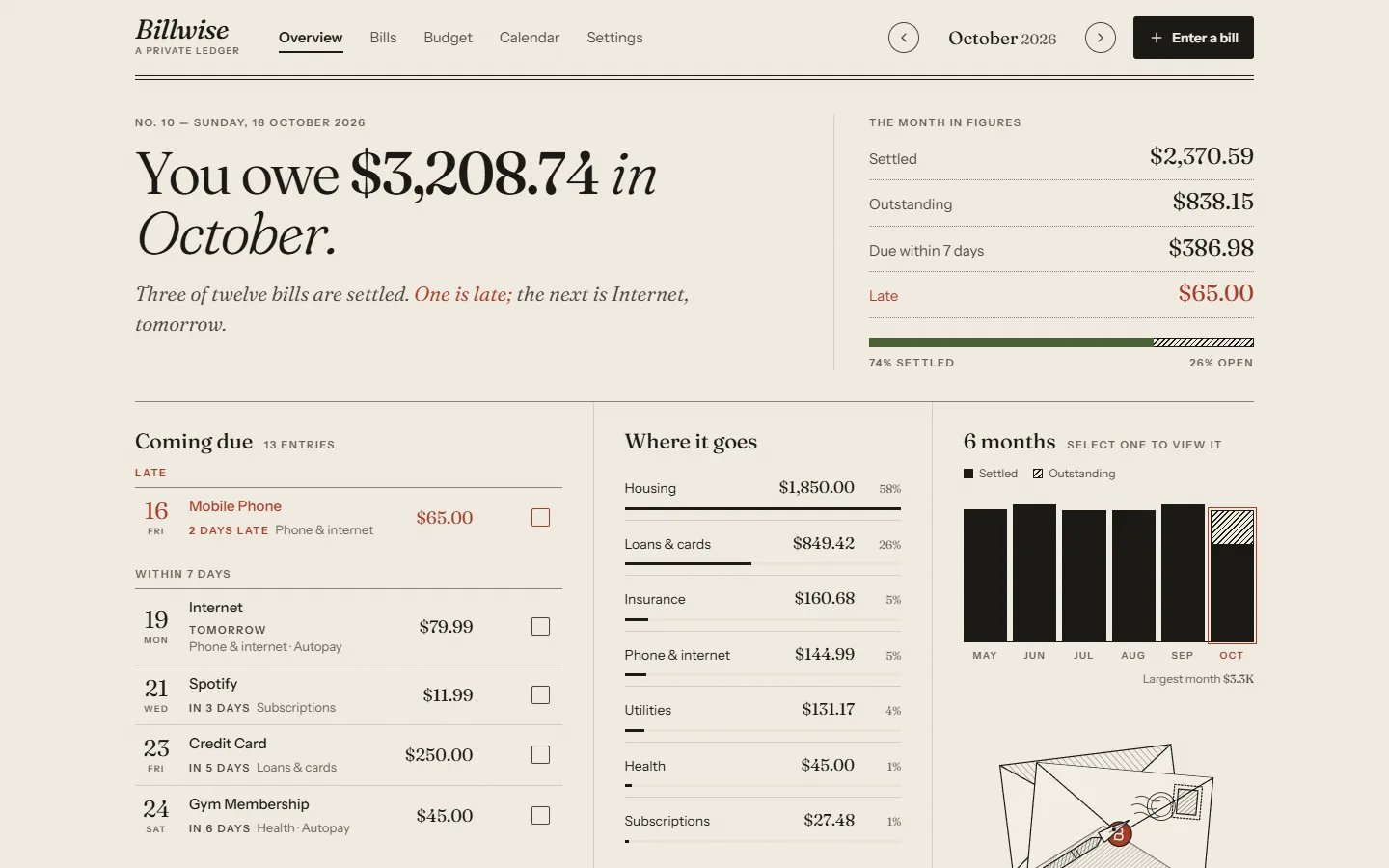
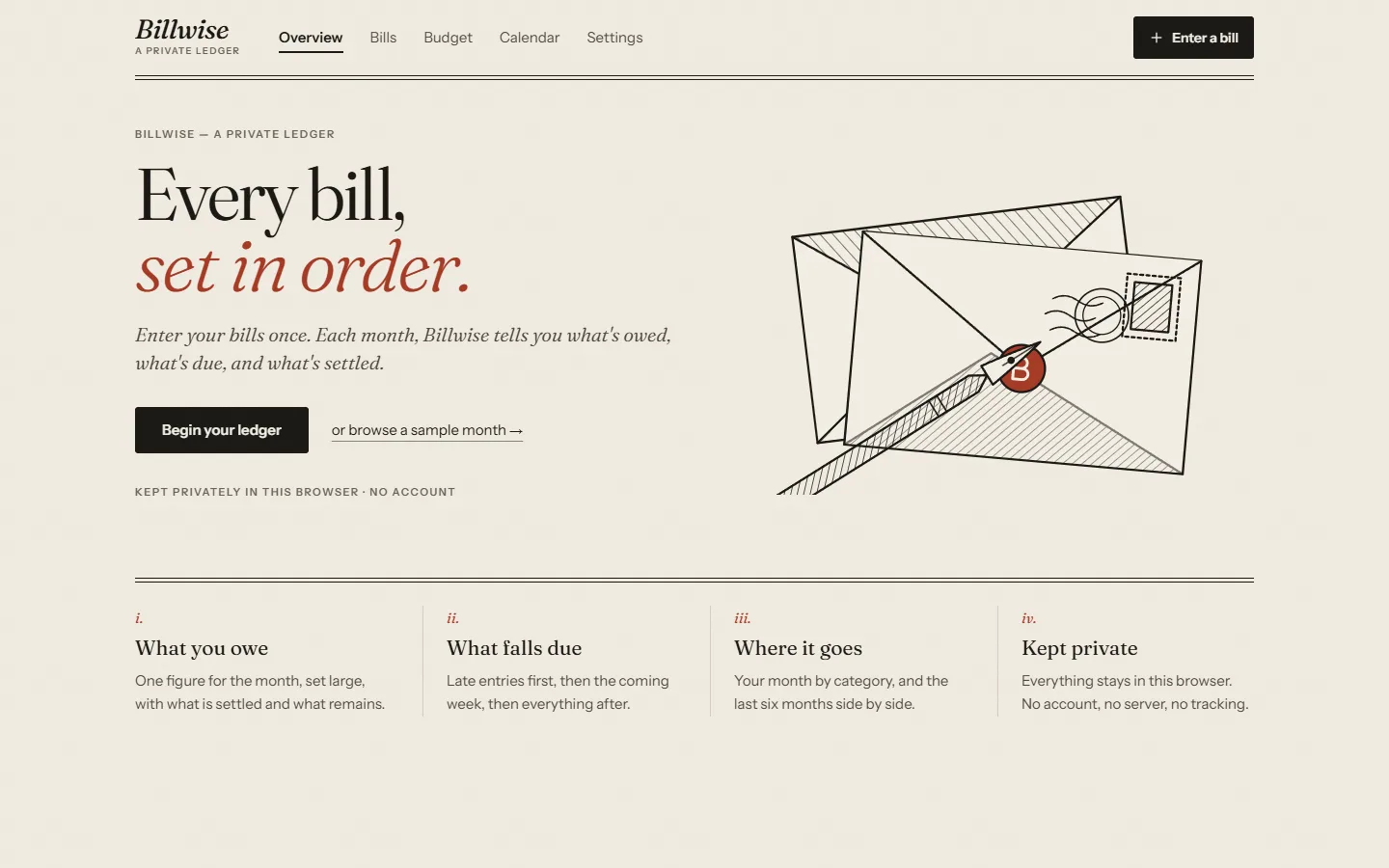
Most bill trackers want an account, a bank login and your attention. Billwise asks for none of them. You enter each bill once, and it keeps a quiet record of what you owe, what’s due and what’s settled, right in your browser.
It had to be as easy on a phone in a checkout line as on a computer at the end of the month. Later it grew a budget that builds on the bills already entered, so nothing gets typed twice.
The overview opens with one sentence: what you owe this month. Below it sit what’s late, what’s due in the next week, where the money goes, and how the last six months compare.
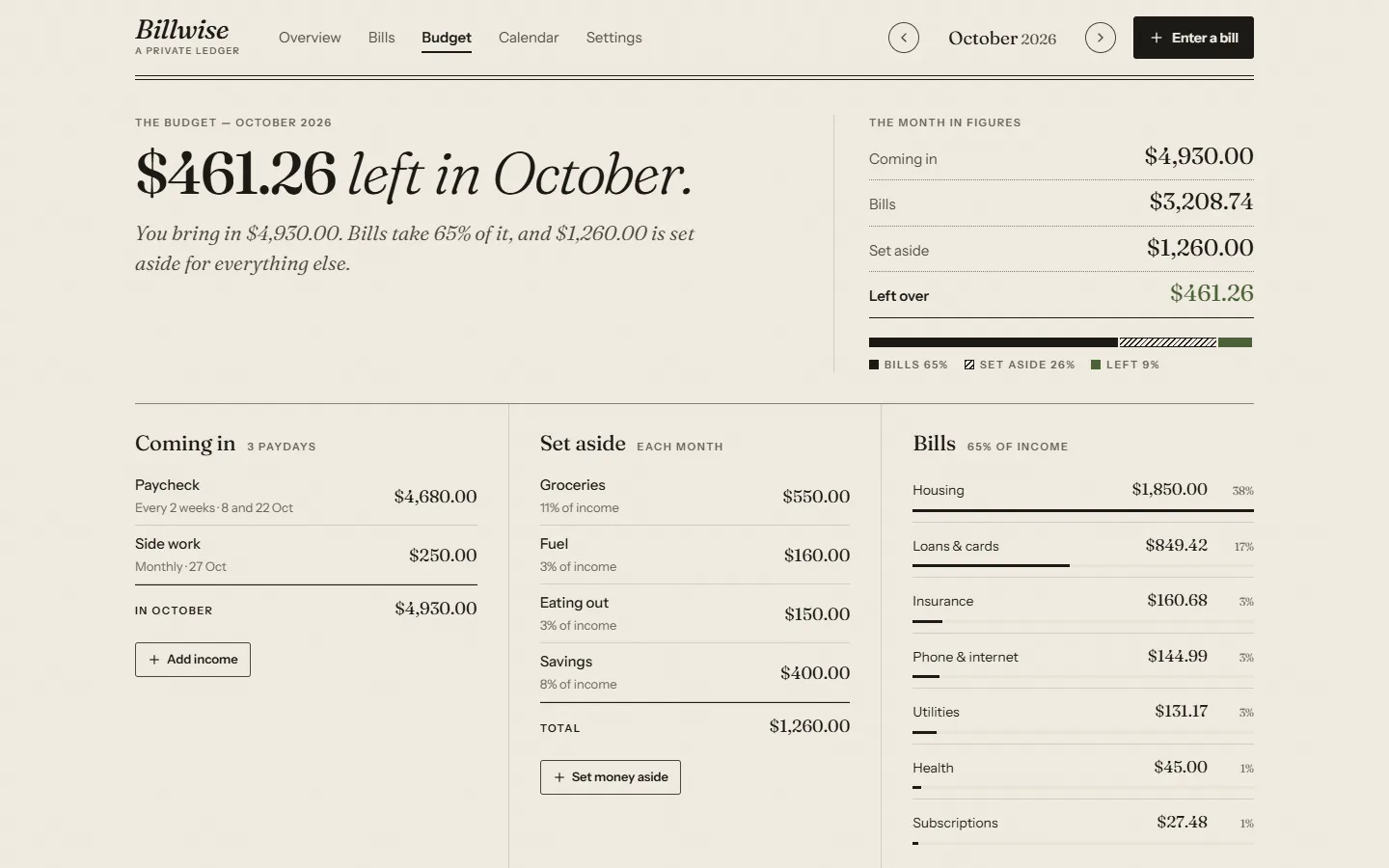
Add paychecks on any schedule and money set aside for things that aren’t bills, and the Budget page works out what’s left each month. It shows how the bills split your income, compares the month with a typical one, and looks six months ahead to flag three-paycheck months and heavy-bill months.
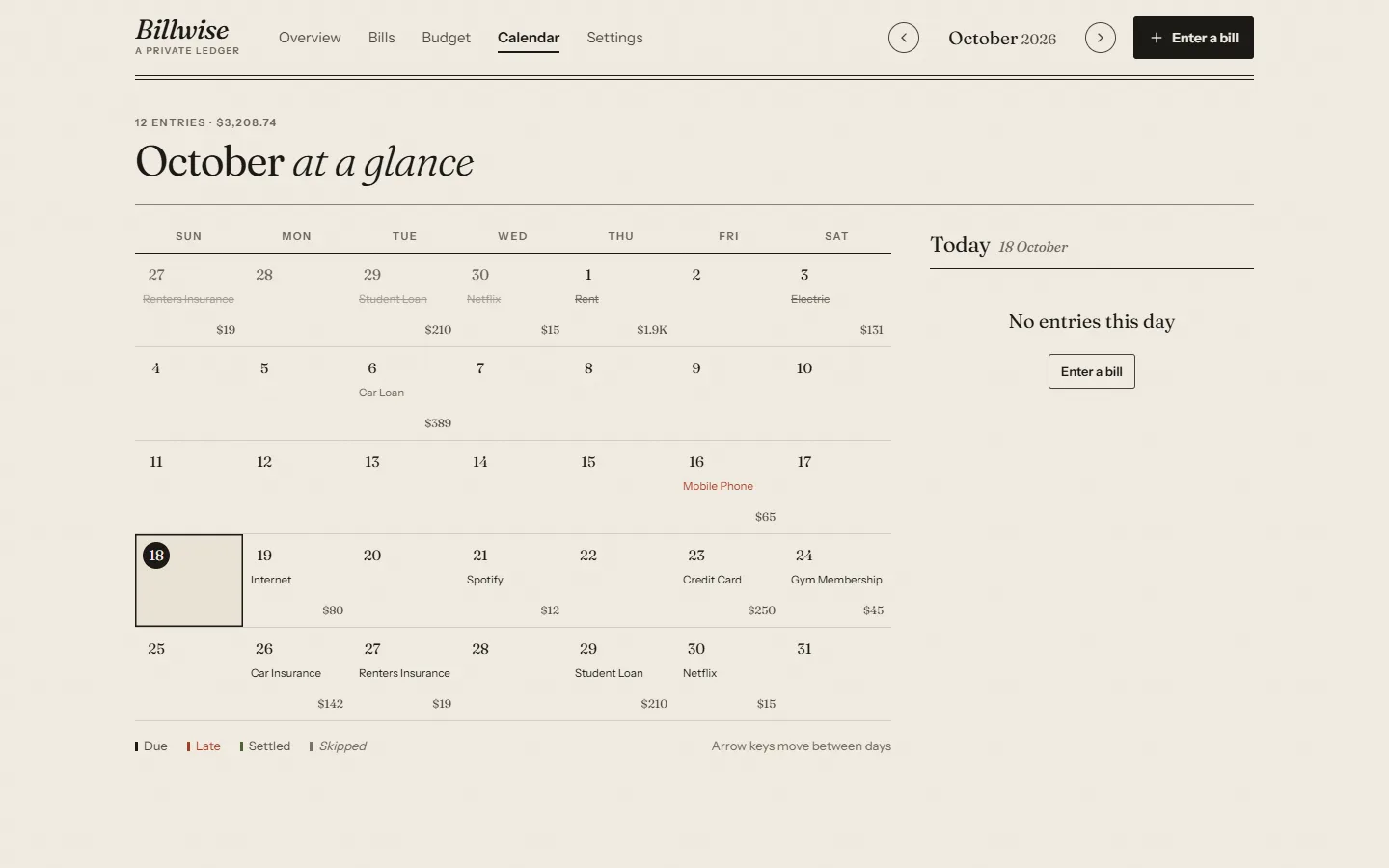
The calendar puts every bill on its due day. Settled bills are struck through, late ones are set in red, and the arrow keys move between days.
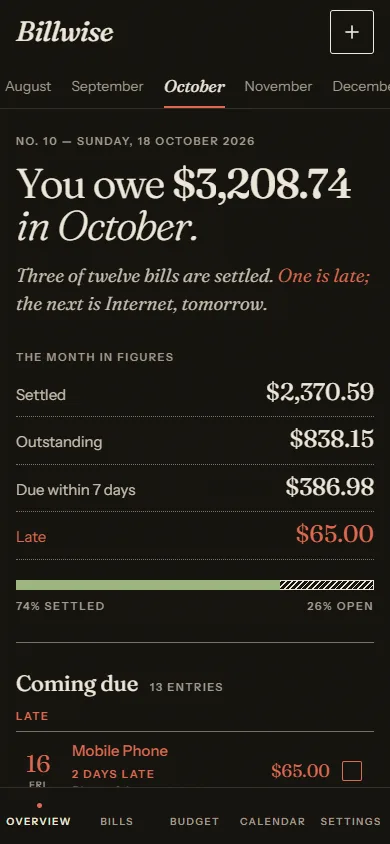
Billwise installs from the site on a phone or a computer, opens instantly and works offline. On a phone, swipe a bill right to settle it. This is the Ink edition, for night.
There’s no account, no server and no tracking. Everything stays in the browser, with a backup file and a spreadsheet export whenever you want them.
You owe $3,206.17 in October.
Two of twelve bills are settled. The next is Internet, tomorrow.